
Linear Regression for Climate Change Analysis Using VBA in Excel: An End-to-End Automation Guide

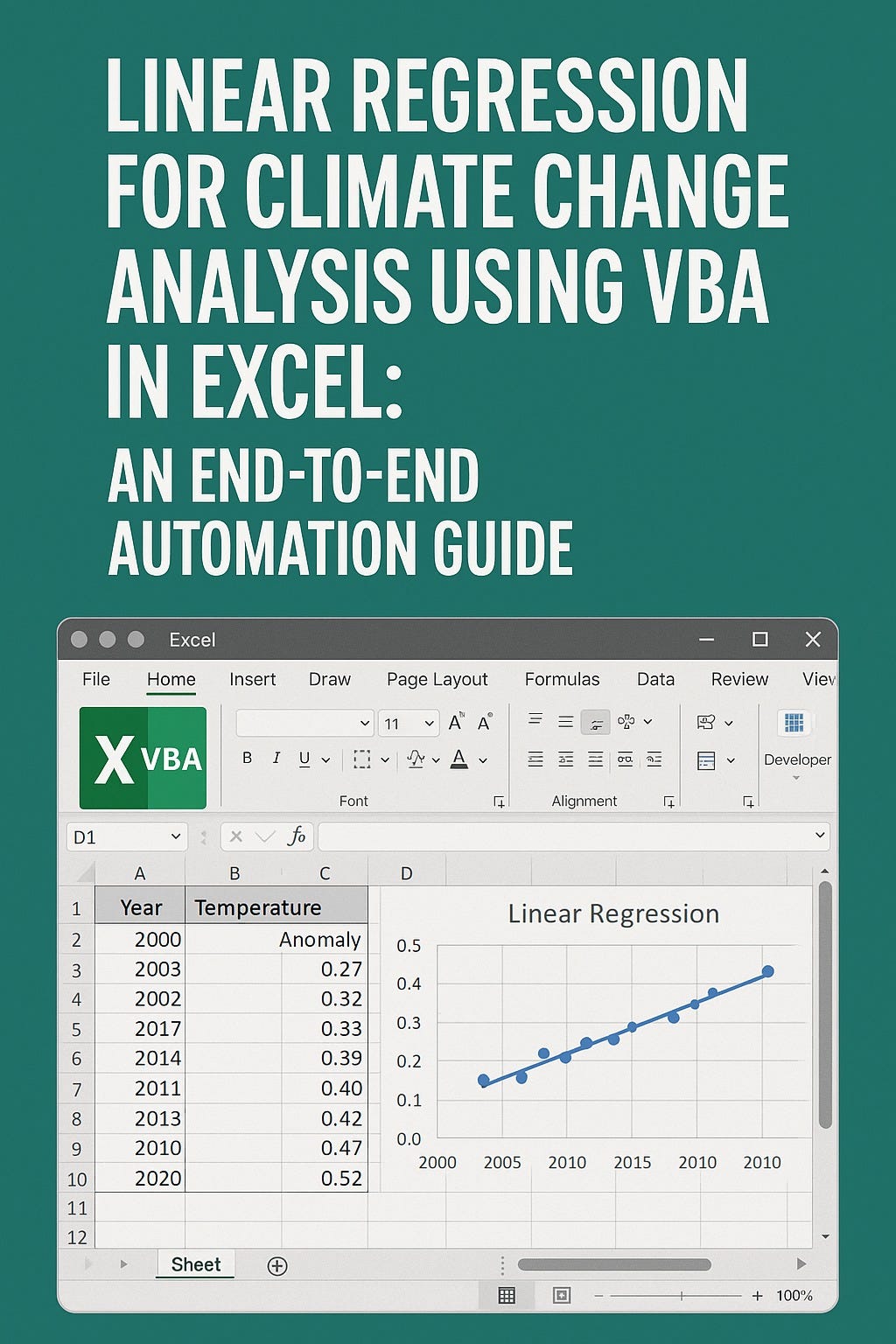
This article shows how to automate linear regression in Excel using VBA to analyze the relationship between greenhouse gas concentrations and climate indicators, enabling effective and reproducible climate change analysis for research and policy-making.
1. Introduction
Climate change presents one of the greatest challenges of our era. Effective responses rely on our ability to extract meaningful insights from environmental data—identifying trends, quantifying relationships, and forecasting future changes. Among the statistical methods at the heart of this work, linear regression stands out for its simplicity, transparency, and power in quantifying how one variable affects another. In climate science, it is commonly used to relate atmospheric greenhouse gas concentrations to temperature anomalies, sea level rise, and other climate indicators.
While tools like R and Python are increasingly used for advanced analysis, Microsoft Excel remains a mainstay for many researchers, consultants, and policy analysts due to its accessibility and familiar interface. But to move beyond manual calculations, automating analytical workflows is essential for speed, accuracy, and reproducibility—especially as datasets grow. That’s where Visual Basic for Applications (VBA), Excel’s built-in programming language, comes into play.
In this comprehensive guide, we’ll show you step by step how to automate linear regression in Excel using VBA for climate change analysis. We’ll cover data structuring, macro coding, result interpretation, visualisation, and best practices. Our focus will be on the relationship between atmospheric CO₂ concentrations and global temperature anomalies—a foundational link in climate science.
